


Color-Coded Alphabetical Password Organizer

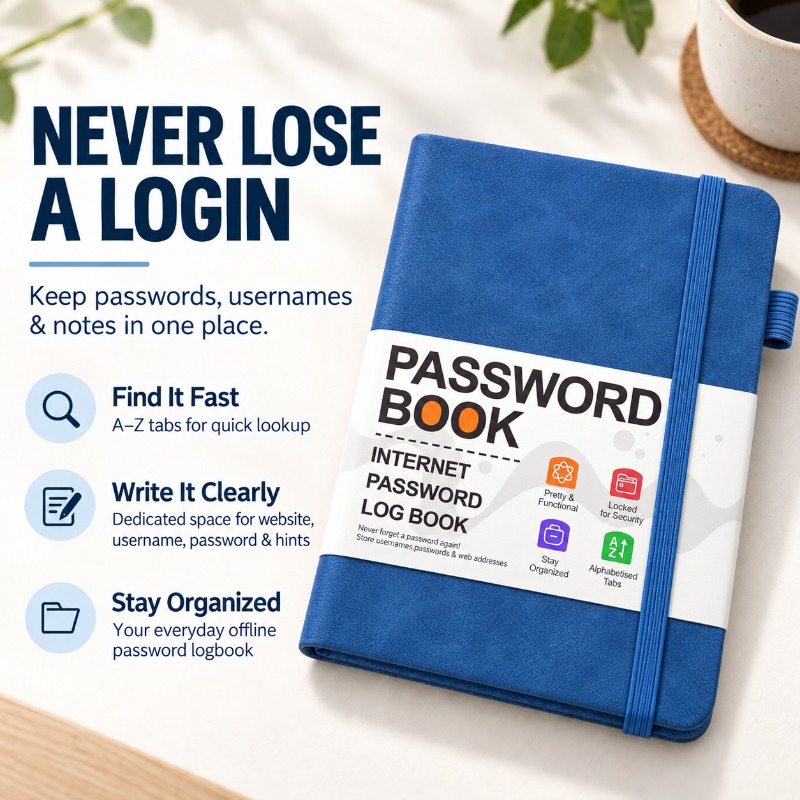
Keep Every Login in One Place
Organize website addresses, usernames, passwords, email details, and helpful hints in one dedicated offline logbook. Protect your digital security without relying on vulnerable digital databases.
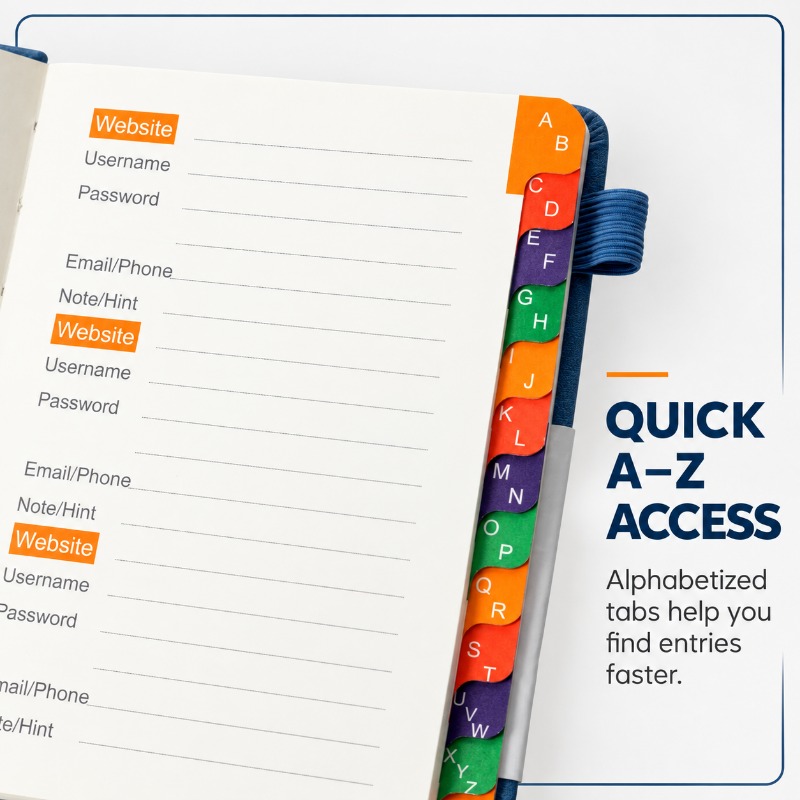
Color-Coded A–Z Alphabetical Tabs
Never waste time flipping through unorganized pages again. The step-layered rainbow edge features clear alphabetical tabs (A to Z) that allow you to locate any stored password in under a second.
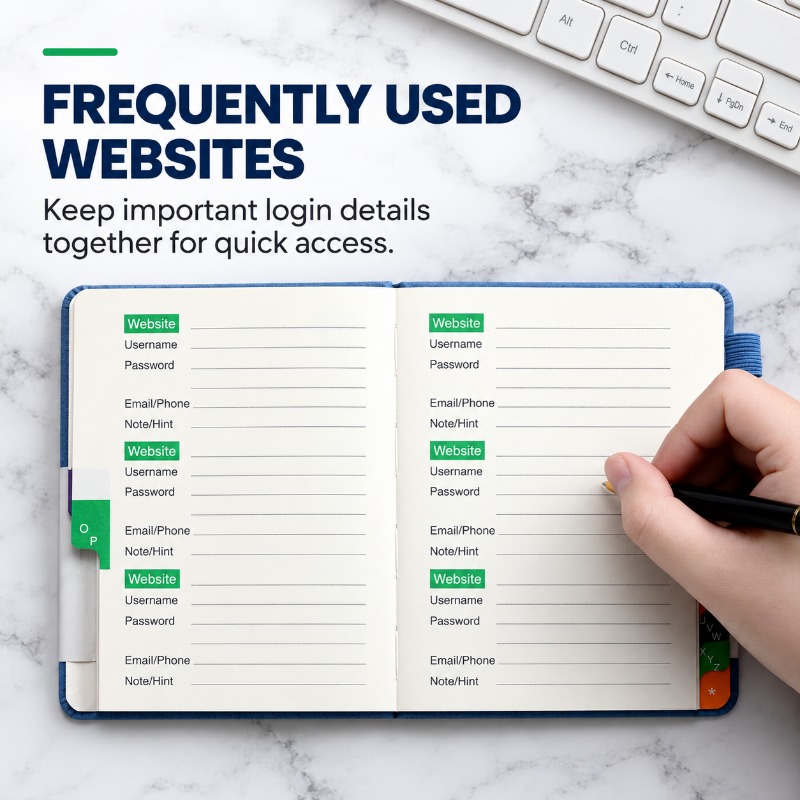
Structured Inner Pages for Full Details
Each page provides standardized, spacious columns that prompt you to record the Website URL, Username, Password, associated Email/Phone numbers, and specific Notes or Security Hints. Highlighting blocks help keep entries clearly separated.
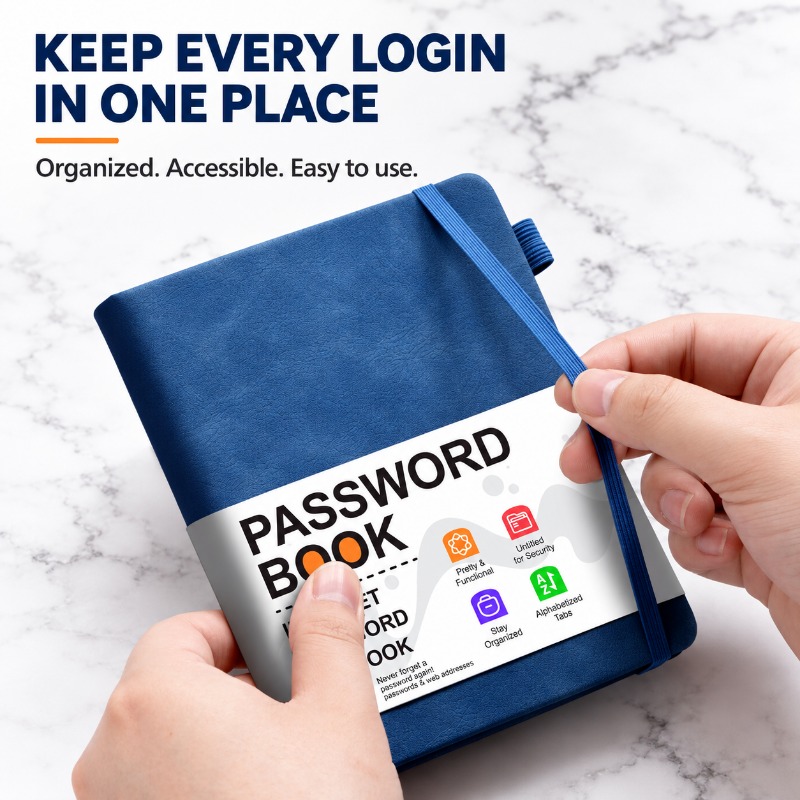
Durable PU Hardcover & Elastic Closure
Crafted with a durable faux-leather hardcover for premium wear resistance. Equipped with a matching high-elasticity vertical band that keeps the notebook closed tight and a fabric loop on the side to securely hold your favorite pen.
Specifications
| Dimensions | B6 Size — 15.5 cm x 12 cm (approx. 6.1 in x 4.72 in) |
| Cover Material | Durable Hardcover (PU Leather texture) |
| Closure & Storage | Vertical Elastic Closure Strap & Side Elastic Fabric Pen Holder Loop |
| Index System | Integrated colorful step-layered A–Z alphabetical side tabs |
| Available Colors | Royal Blue, Black, Pink, Grey, Teal Green |
| Design Note | Interior grid highlight block colors (Green or Orange) are randomly distributed. |
Frequently Asked Questions
Why is a physical password book safer than storing passwords online?
Online databases, cloud accounts, and browser-saved passwords are constant targets for hackers, malware, and data breaches. Storing your credentials offline in a physical book creates a secure, offline backup that cannot be accessed or breached remotely.
How do the A–Z tabs make passwords easier to find?
The alphabetized tabs let you organize entries by website or service name, so you can quickly locate the login you need without flipping through every page.
What specific details can I write down for each website entry?
Each template section provides dedicated, lined spaces for the Website URL, Username, Password, associated Email or Phone number, and an extra block for notes, security hints, or security questions.