


Multi-Port 4 in1 Universal SD TF Card Reader

The Last Card Reader You'll Need
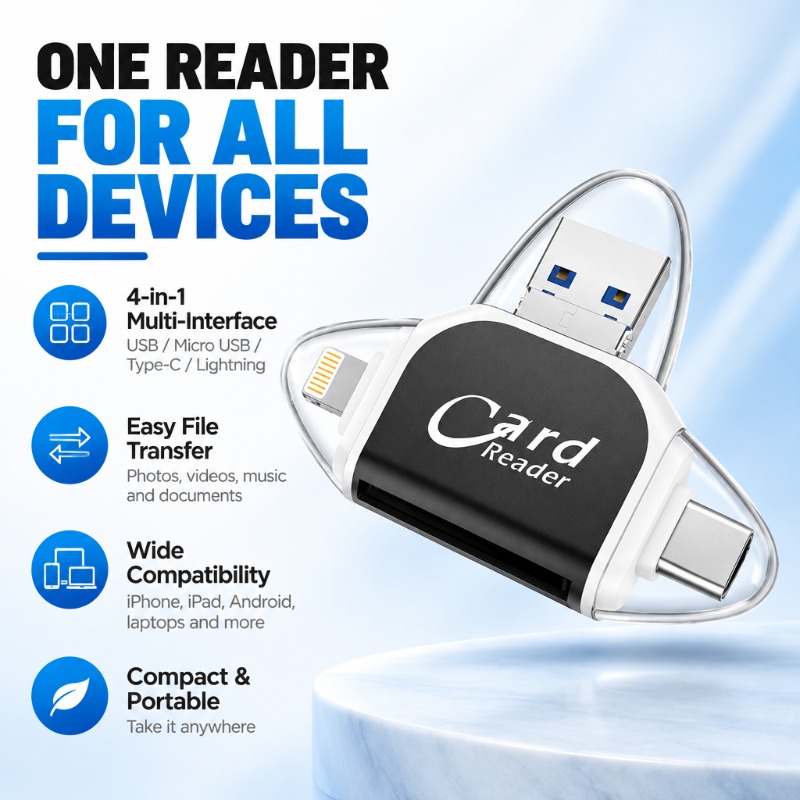
Stop carrying multiple adapters. This 4-in-1 mini card reader connects directly to your iPhone, Android phone, laptop, or tablet to instantly transfer photos and videos.
Works With All Your Devices
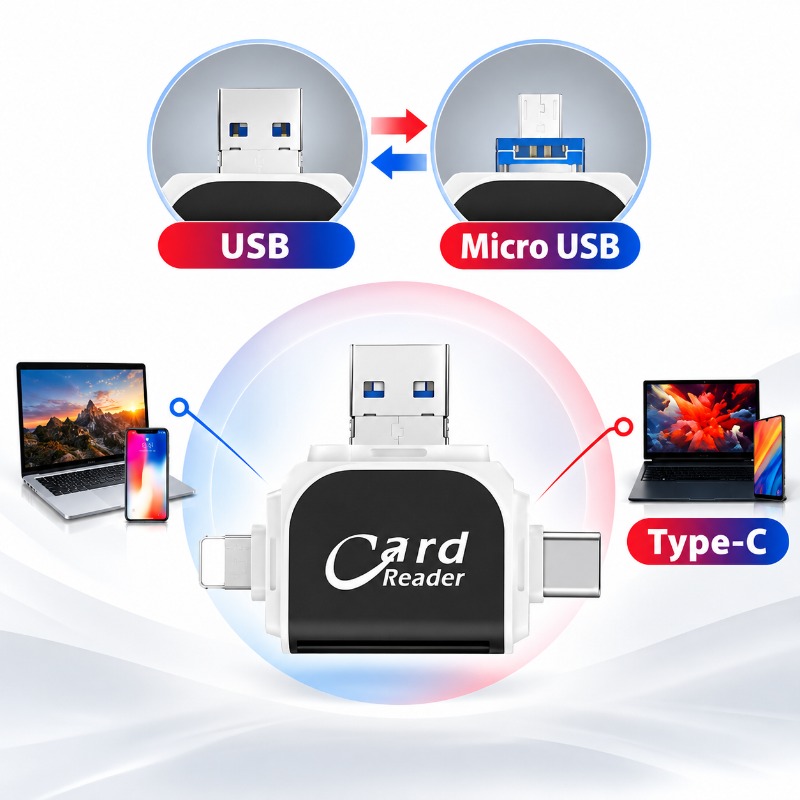
Designed to bridge the gap between different tech ecosystems. Whether you are using an older iPhone with a Lightning port, a modern Android with USB-C, or a computer with standard USB-A, this single device handles it all.
- USB-A: For laptops and desktops.
- Lightning: For iPhone and iPad models.
- USB-C: For newer phones, tablets, and MacBooks.
- Micro USB: Compatible via adapter functionality for legacy devices.
Free Up Storage Instantly
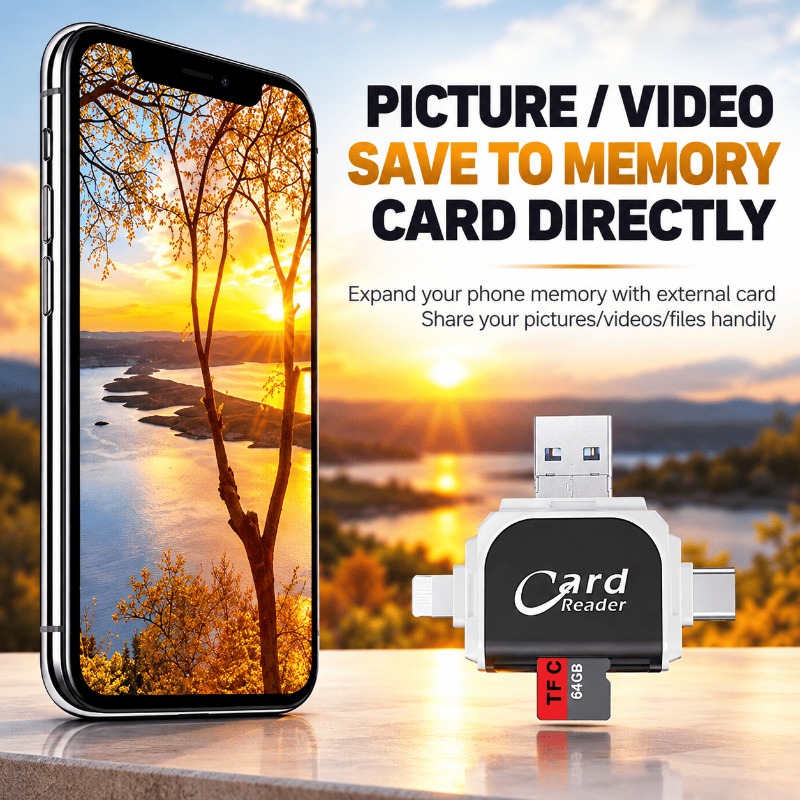
Is your phone storage full? Simply plug the reader into your phone and insert your memory card. You can move thousands of photos and high-resolution videos directly to your SD or TF card without needing Wi-Fi or cloud subscriptions.
Ideal for Creators & Travelers
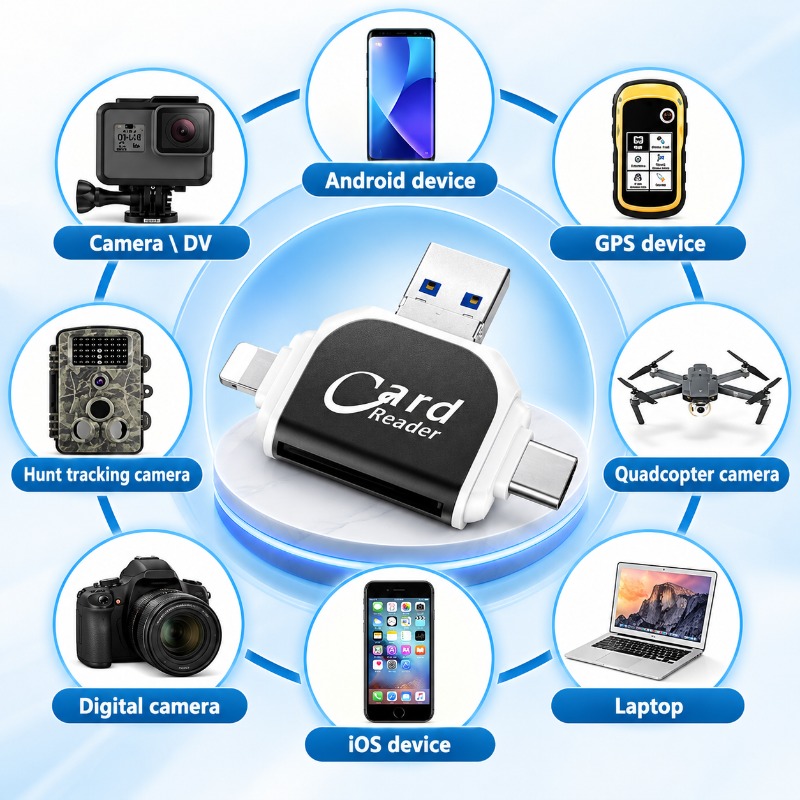
This compact tool is perfect for photographers, drone pilots, and travelers who need to manage files on the go. It reads cards from almost any electronic device, allowing you to view footage immediately after shooting.
Broad File Support
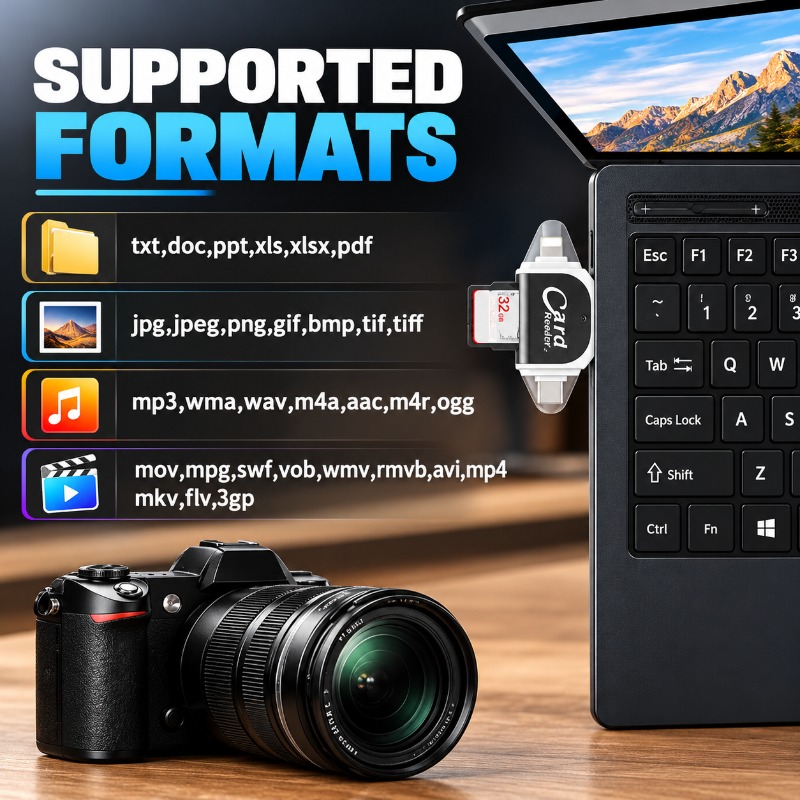
Access a wide variety of file types effortlessly. The reader supports common media formats used by digital cameras and smartphones, as well as standard office documents.
Photos
JPG, JPEG, PNG, GIF, BMP, TIFF
Videos
MP4, MOV, AVI, MKV, FLV, WMV
Documents
PDF, DOC, XLS, PPT, TXT
Audio
MP3, WAV, WMA, AAC, FLAC
Pocket-Sized & Durable
Crafted with a sleek black and white finish, this reader features transparent protective covers that keep the connectors safe when not in use. Its small footprint means it fits easily into a pocket, purse, or camera bag.
- Dimensions: Approx. 59.6mm x 47.8mm x 8.8mm (2.3" x 1.9" x 0.3").
- Design: Integrated retractable/flip style connectors.
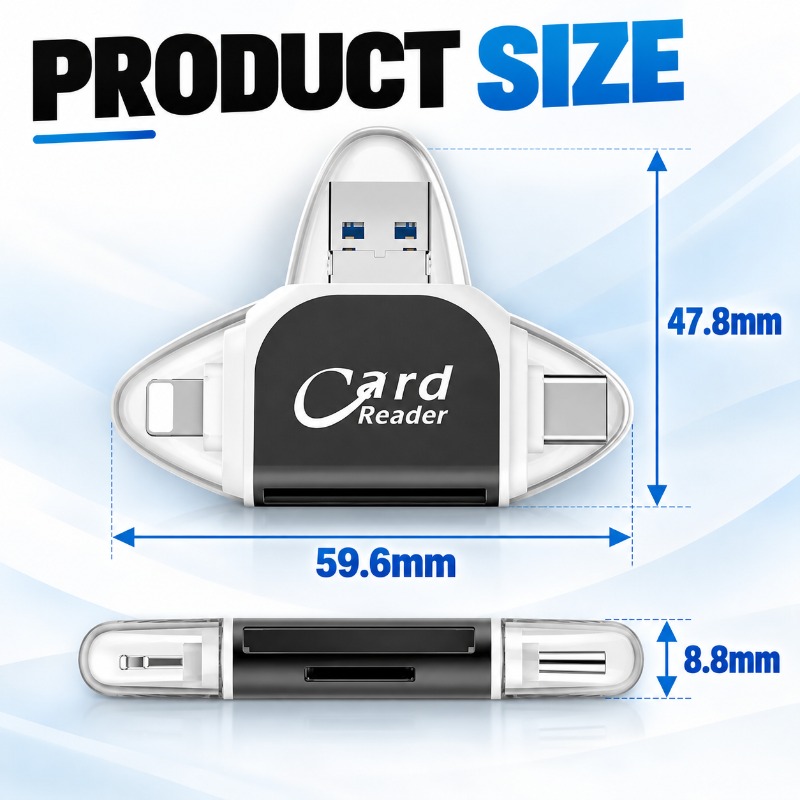
Sleek 4-Way Design
The unique triangular layout ensures that using one connector doesn't block the others, giving you flexible options depending on what device you have nearby.
Frequently Asked Questions